Sharepoint file connector setup
For the purpose of this how to, the Entra application will be named App_DataPlus and the Sharepoint SP_DataPlus.
Furthermore, the Microsoft Graph Explorer will be used.
The Data+ Sharepoint connector requires the following parameters:
- Tenant ID
- Client (application) ID
- Client Secret
- Drive ID
1. Create the sharepoint site
2. Create an application registration
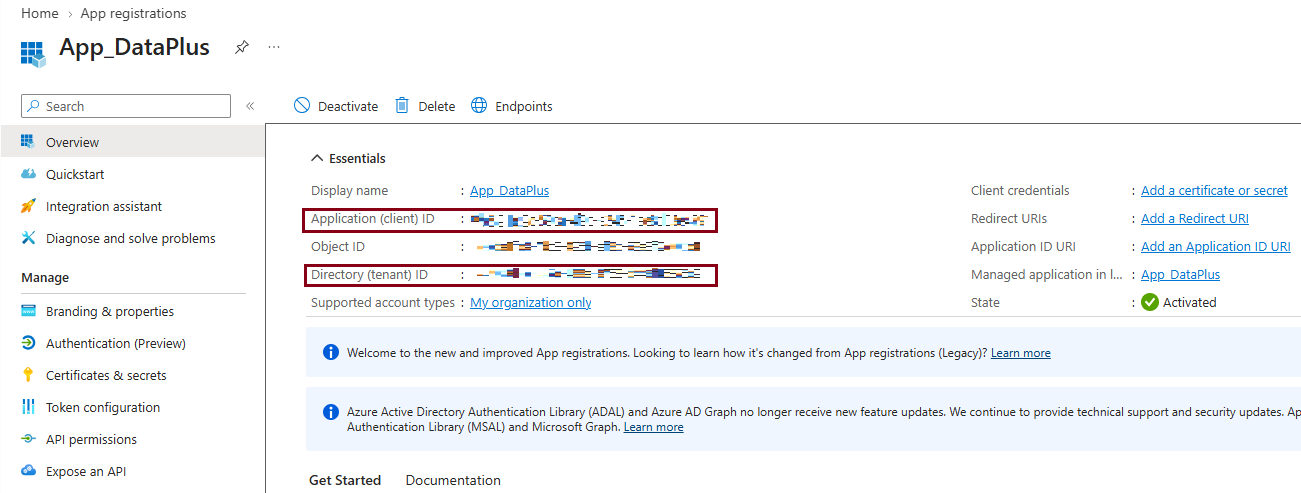
- From the overview page, get the application (client) ID and Directory (tenant) ID.
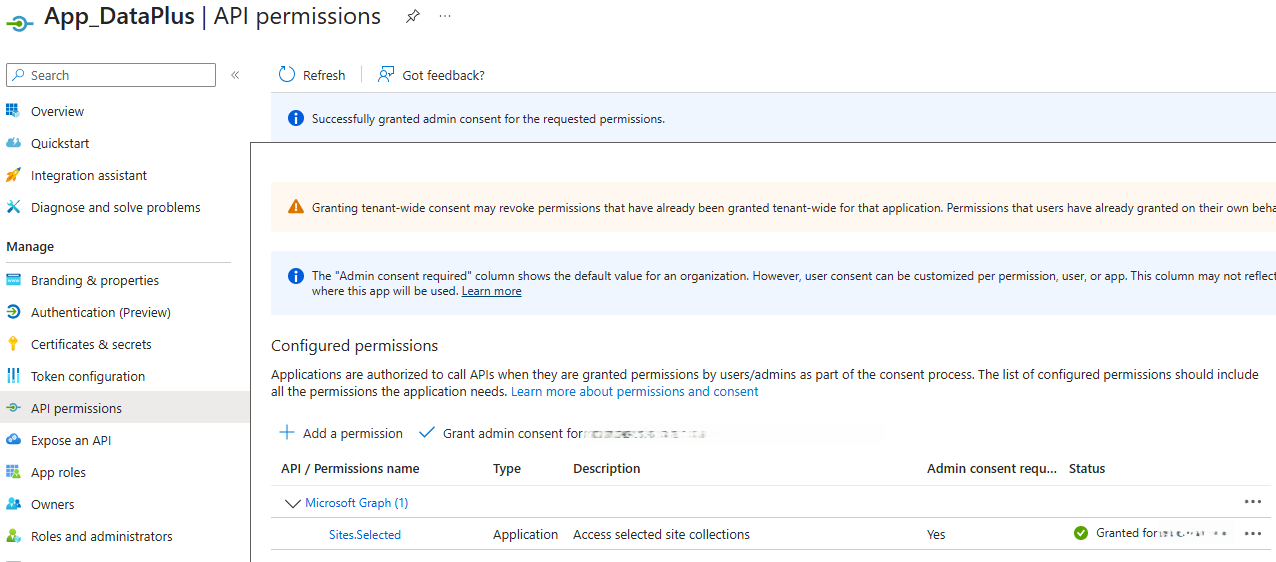
- API permissions:
- Remove
User.Read - Add
Sites.Selected(Add a permission->Microsoft Graph->Application permissions->Sites.Selected) - Grant admin consent
- Remove
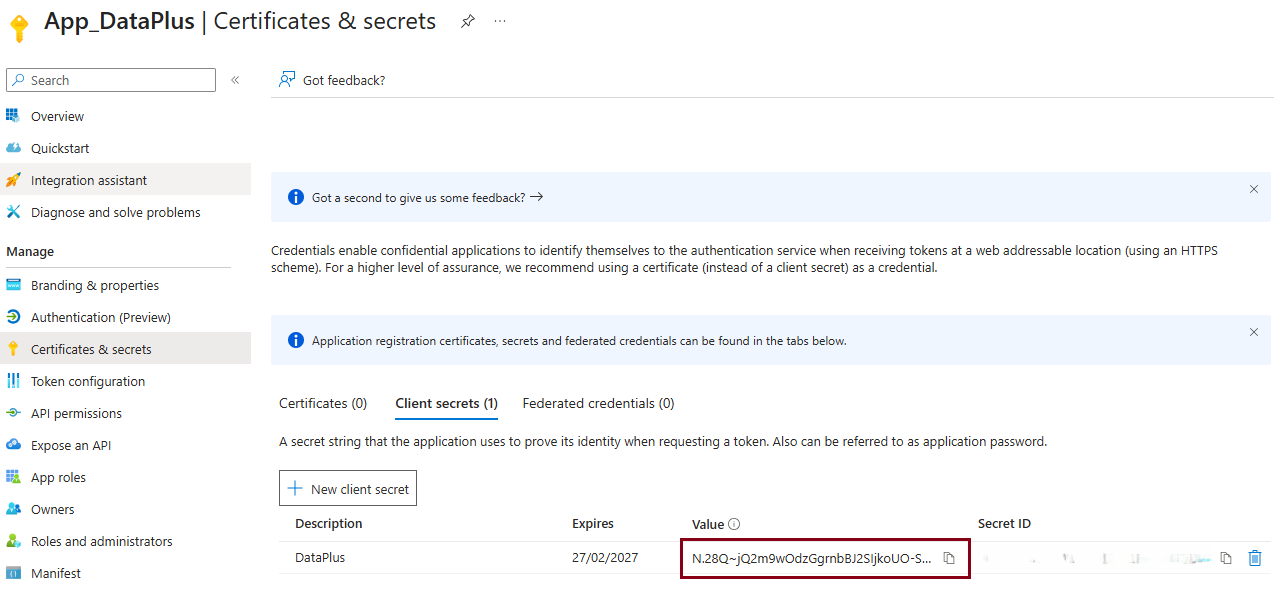
- Create a client secret
Get the site ID
The Sharepoint site ID can be found at
https://{company}.sharepoint.com/sites/SP_DataPlus/_api/site/id

Get the Drive ID
Graph Explorer:
https://graph.microsoft.com/v1.0/sites/{SiteID}/drive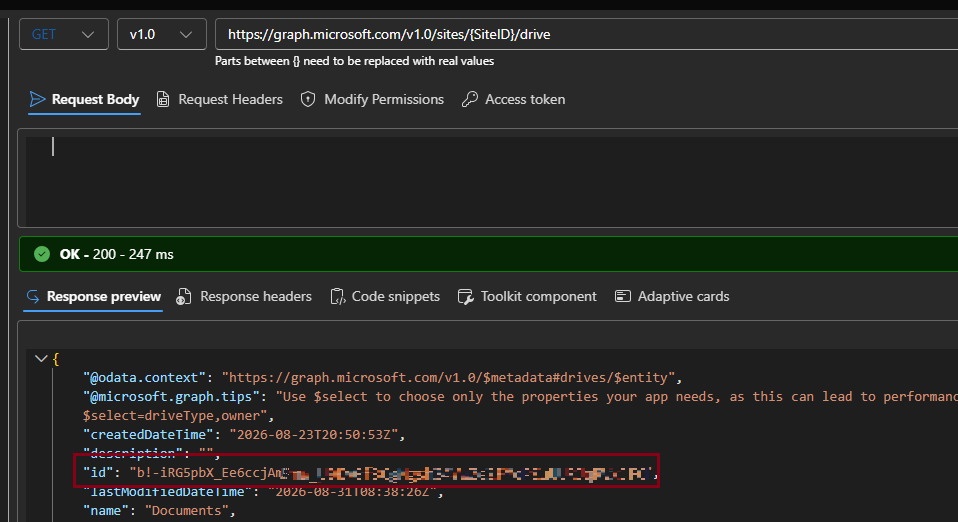
Check the gathered parameters
An initial parameter check can be done now. The Data+ file connector should show an access denied message.
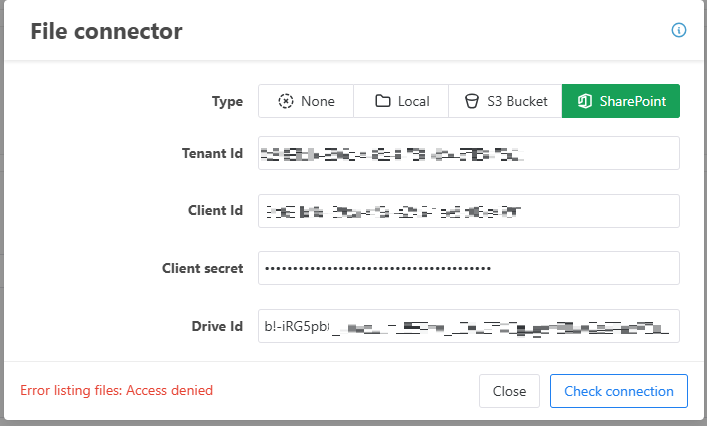
Grant site access to the application
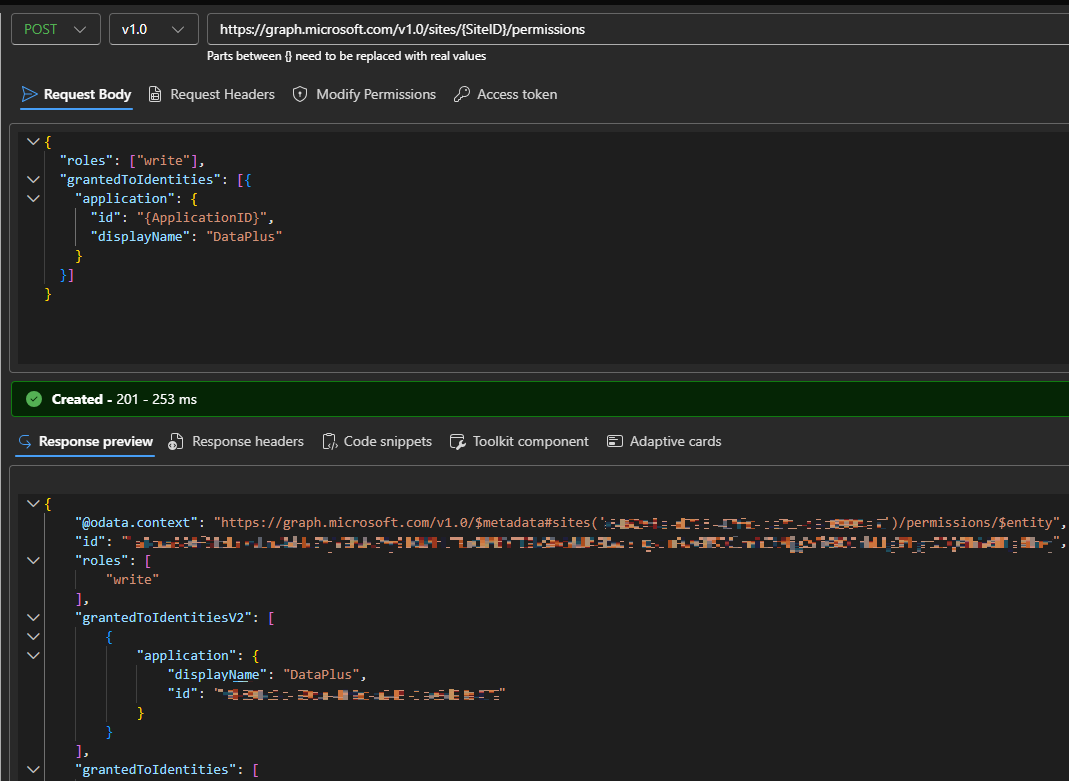
Graph explorer POST:
https://graph.microsoft.com/v1.0/sites/{siteId}/permissions{
"roles": ["write"],
"grantedToIdentities": [{
"application": {
"id": "{application (client) Id}",
"displayName": "{Description}"
}
}]
}
The Data+ file connection should work now.
Last updated on